Step 1: Set up Racknerd Server ( approx. $10.76/year)
- Purchase a Racknerd Server (JUST $10.76/YEAR) with the following specs:
- 1 vCPU
- 1GB RAM
- Inbound email and backup MX setup
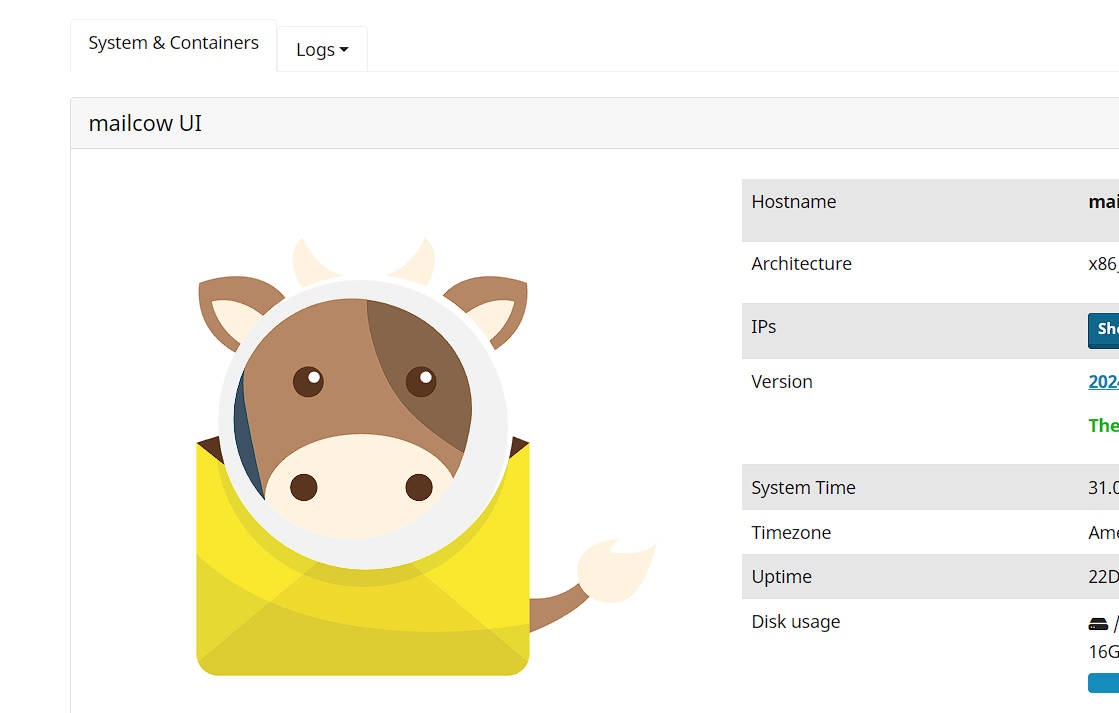
Step 2: Setup Mailcow Docker Server on Self-Hosted Server
- Install Docker on your self-hosted server (if not already installed)
- Pull the Mailcow Docker image from the official repository
- Run the Mailcow Docker container with the following configuration:
- Domain: [your domain name]
- Email address: [your email address]
- Admin password: [choose a strong password]
Step 3: Install Wireguard Server on VPS Server
- Install Wireguard on your Racknerd VPS server (if not already installed)
- Generate a public and private key for the Wireguard server
- Configure the Wireguard server to use the generated keys
Step 4: Install Wireguard Client on Self-Hosted Server
- Install Wireguard on your self-hosted server (if not already installed)
- Import the public key from the VPS Wireguard server into the client
- Generate a private key for the client and save it securely
Step 5: Forward All VPS Email Ports to Wireguard Client Internal IP
- On your Racknerd VPS server, forward all email-related ports (e.g., 25, 587) to the internal IP address of your self-hosted Wireguard client
- Make sure to configure the port forwarding rules correctly to allow incoming email traffic
Step 6: Install Postfix on VPS and Set it up as a Backup MX
- Install Postfix on your Racknerd VPS server (if not already installed)
- Configure Postfix to act as a backup MX for your domain
- Make sure to set the correct priority and hostname for the backup MX configuration
Step 7: Configure Outbound Email Relay with Sendgrid, Brevo, or Amazon SES
- Sign up for an account with one of the following services:
- Sendgrid (100 emails/day)
- Brevo (300 emails/day)
- Amazon SES
- Install and configure the chosen email relay service on your self-hosted server
Step 8: Configure DNS MX to Point to Your VPS Server Static IP
- Update your domain’s DNS settings to point the MX record to the static IP address of your Racker VPS server
- Make sure to save the changes and allow them to propagate through DNS (this may take up to 48 hours)
Step 9: Mailcow Server with Backup MX is Up and Running!
Congratulations! Your private self-hosted email server is now up and running, using a combination of Mailcow, Wireguard, and Postfix. You can now send and receive emails for unlimited domains and email accounts.
Note: Please make sure to test your setup thoroughly to ensure that it works as expected. Additionally, be aware of any specific requirements or recommendations for your chosen email relay service.