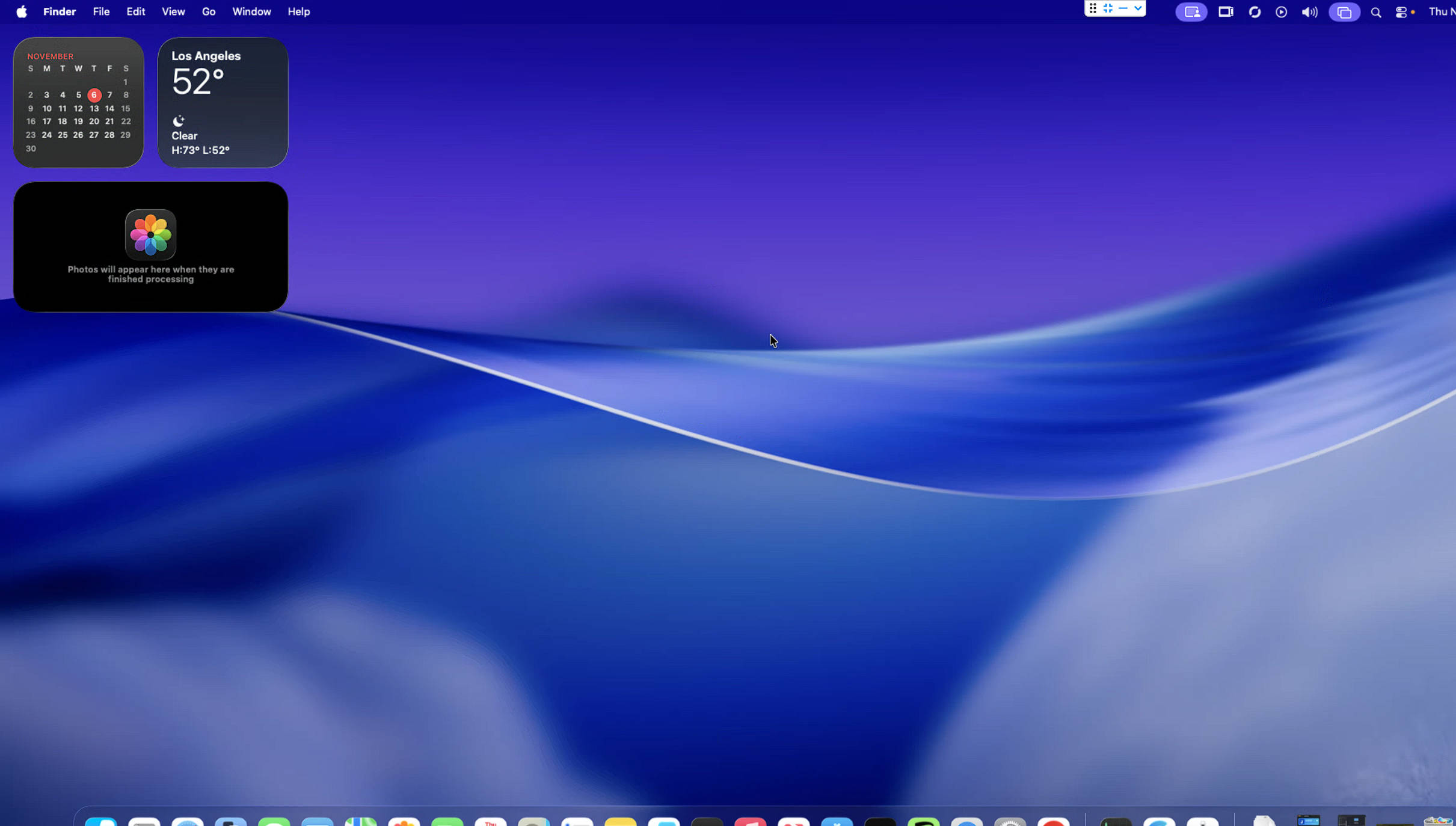
Installing macOS in Unraid KVM with AMD WX4100 GPU passthrough to achieve Metal support, along with enabling audio output via AudioRelay, requires a series of steps that integrate virtualization, PCI device passthrough, and virtual audio routing. Below is a comprehensive guide tailored to your requirements, including XML settings for the GPU passthrough in QEMU, considerations for Metal support, and the recommended process for reliable audio output.
macOS Installation in Unraid KVM
Begin by preparing your Unraid server for macOS virtualization:
- Make sure your Unraid server has virtualization (IOMMU for AMD) enabled & Resize-bar disabled in BIOS.
- Use a macOS installer preparation tool such as Macinabox or Docker-OSX, or build your own install image following available guides.
- Open the Unraid web interface, and under the “VMs” tab, create a new virtual machine (VM). Set the OS type to “Linux” (since macOS is not officially supported), and select “Host Passthrough” for CPU settings, which is critical for stability and compatibility.
Configuring AMD WX4100 GPU Passthrough
To enable full Metal support in macOS, the GPU must support Metal and be properly passed through from Unraid’s host system to your VM:
- The AMD WX4100 is supported natively by macOS and provides adequate Metal acceleration for most use cases.
- In your VM XML configuration, you should use the following settings:
xml<hostdev mode='subsystem' type='pci' managed='yes'>
  <driver name='vfio'/>
  <source>
    <address domain='0x0000' bus='0xc7' slot='0x00' function='0x0'/>
  </source>
  <alias name='hostdev0'/>
  <rom file='/mnt/cache/isos/vbios/wx4100_gpu_vbios.rom'/>
  <address type='pci' domain='0x0000' bus='0x07' slot='0x00' function='0x0' multifunction='on'/>
</hostdev>
<hostdev mode='subsystem' type='pci' managed='yes'>
  <driver name='vfio'/>
  <source>
    <address domain='0x0000' bus='0xc7' slot='0x00' function='0x1'/>
  </source>
  <alias name='hostdev1'/>
  <address type='pci' domain='0x0000' bus='0x07' slot='0x00' function='0x1'/>
</hostdev>
- This configuration passes through both the GPU and its associated HDMI audio device, ensuring that macOS can recognize and use the hardware directly. The use of a dedicated ROM file (vbios) helps avoid initialization issues on some GPUs.
- For best results, use OpenCore as your bootloader and include the WhateverGreen and Lilu kexts to ensure macOS properly detects and accelerates the GPU.
Achieving Metal Support
- AMD WX series GPUs (such as WX4100) provide native Metal acceleration in macOS from High Sierra onwards.
- After the first boot and OpenCore configuration, check “About This Mac” to confirm that the GPU is recognized and Metal is supported.
- Sometimes updating kexts (WhateverGreen, Lilu) or tinkering with SMBIOS component selection in OpenCore Configurator is necessary to achieve reliable support for hardware acceleration.
Audio Output using AudioRelay
Allowing audio from the macOS VM to reach other devices (phone, speakers, etc.) can be achieved using AudioRelay and a virtual audio device setup:
- On macOS, install a virtual audio driver such as BlackHole, VB-Cable, or Loopback. BlackHole is recommended for low latency.
- Open Audio MIDI Setup in macOS and create a Multi-Output Device, selecting both your virtual audio driver and built-in output if you wish to hear sound locally and stream via AudioRelay.
- Set the Multi-Output Device as your system audio output.
- Install and launch AudioRelay on your macOS VM and on your target device (phone/PC). Select the virtual audio device as the source in AudioRelay, and start the connection.
- This method is essential as macOS restricts audio-out access by third-party apps, requiring the use of virtual drivers to capture and forward sound output.
Summary Table
Final Considerations
Running macOS in Unraid via KVM with direct GPU passthrough delivers a near-native experience, including Metal acceleration with an AMD WX4100. For audio, leveraging a dedicated virtual driver and AudioRelay sidesteps macOS’s restrictions and ensures reliable output across devices. Following the above configuration should result in full macOS features, solid GPU performance, and flexible audio streaming from your VM.
Sources:
Macinabox using https://github.com/SpaceinvaderOne/Macinabox
Dump_GPU_vBIOS using https://github.com/SpaceinvaderOne/Dump_GPU_vBIOS